
Product Page Layouts That Actually Sell
The specific arrangement of images, descriptions, and reviews that converts browsers into buyers on Shopee and Lazada
Why Layout Matters More Than You Think
Here’s the truth: your product is great. But if buyers can’t find what they’re looking for on your product page, they’ll leave. We’re talking about the moment someone clicks your Shopee or Lazada listing—the next 8 seconds determine whether they buy or bounce.
It’s not about fancy design. It’s about structure. Where you put the main image, how you arrange product details, where reviews appear—these decisions directly impact your conversion rate. Sellers we’ve worked with have increased sales by 20-35% just by reorganizing their product pages. No new photography. No product changes. Just smarter layout.

The Three Layouts That Work
Malaysian buyers move fast. They don’t read lengthy descriptions first. They look at images. They check the price. They scan reviews. Your layout needs to respect that flow.
The Image-First Layout
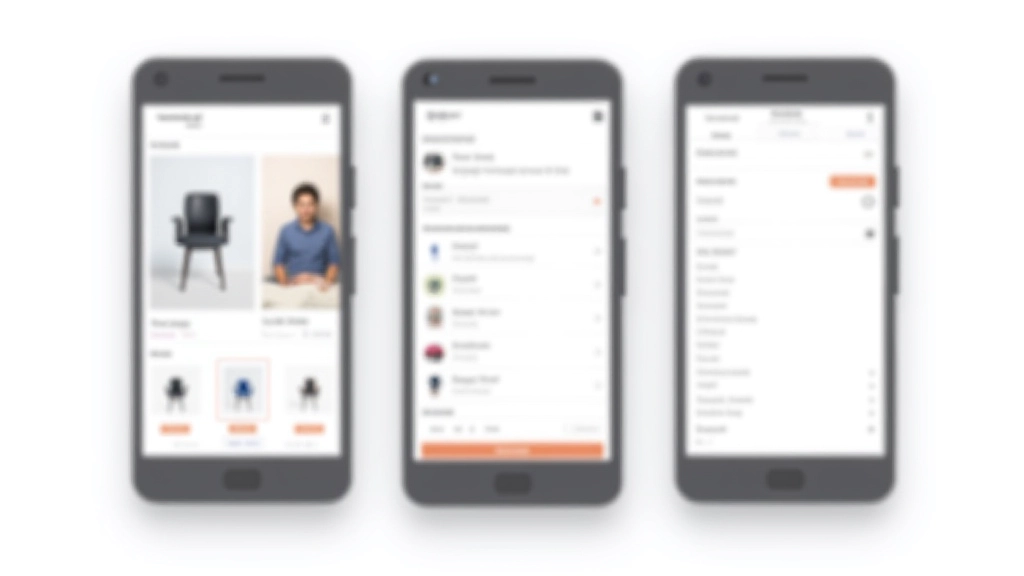
70% of your space is dedicated to product images. Thumbnails on the left or bottom let buyers preview variations. This works best for fashion, accessories, and anything visual. Shopee’s own layout follows this pattern because it converts.
The Balanced Layout
50/50 split between images and information. Main product photo on one side, key details (price, shipping, stock) on the other. This is the safest option. It works for electronics, home goods, pretty much everything else.
The Details-Forward Layout
Information takes priority. Good for products where specs matter—phone specifications, fabric composition, technical details. Buyers need to understand what they’re getting. Image is important but secondary to the specifications.
The Elements That Drive Sales
Beyond layout structure, specific elements need to be positioned correctly. We’ve tested these with real sellers on both platforms.
Price & Shipping Info
Should appear within the first 3 seconds of viewing. Many Lazada sellers bury shipping costs below the fold—buyers leave before scrolling. Put it high. Make it visible. Bundle discounts should be immediately obvious.
Stock Status
“Only 3 left” isn’t just scarcity marketing. Buyers want to know if something’s available now. Green stock indicators convert better than vague language. Clear, specific numbers work best.
Customer Reviews & Ratings
Don’t hide reviews below. Place them in the middle section of your page. Real photos from real customers matter more than your product photos. Five 5-star text reviews are worth more than a thousand faceless ratings.
Size/Variant Selection
Dropdown menus confuse people. Visual selection (color swatches, size boxes) converts 15-25% better. When someone picks a size, the main image should update to show that variant if available.

Where Buyers Actually Look
Eye-tracking studies on e-commerce sites reveal consistent patterns. Buyers scan in a specific order, whether they’re on Shopee or Lazada.
Image & Title
First 2 seconds. The main product photo and title appear. If the image looks cheap or the title’s unclear, they’re gone.
Price & Shipping
Seconds 3-5. They check if it’s in their budget and how much shipping costs. Unexpected fees here kill conversions.
Ratings & Reviews
Seconds 6-10. They look at star ratings and customer photos. Negative reviews get read faster than positive ones. Address common concerns proactively in your description.
Details & Specs
If they’re still here, they’re seriously considering it. Now the fine details matter. Material, dimensions, warranty—this is where you convince them to click buy.
Making Changes That Stick
You don’t need to redesign your entire shop. Small, strategic changes work faster. Start with these quick wins.
This Week: Image Optimization
Review your main product photo. Is it clear? Does it show the product at actual size? Can someone see the color accurately? Swap it out for a clearer shot. One better image often increases click-through rates by 10-15%.
Next Week: Information Hierarchy
Look at your product description. Reorganize it so price and shipping appear before the long description. Add a bullet-point spec list. Make key information scannable, not a wall of text.
Following Week: Review Visibility
Move customer reviews higher on your page. If you’ve got photos from real customers, make those prominent. Encourage buyers to leave photo reviews—they convert 3x better than text-only reviews.
About This Guide
This article provides educational information about e-commerce product page design based on research and industry practices. Conversion rates and improvement percentages mentioned are based on typical results reported by sellers, but your actual results will vary depending on your specific products, audience, and implementation. Shopee and Lazada have specific guidelines for product listings—always check their current requirements before making significant changes. This isn’t personalized business advice; it’s a general framework to help you think about product page structure more strategically.
Continue Learning

Shopping Cart Design Essentials
How to reduce cart abandonment by 20-30% through clearer item displays, shipping calculations, and simplified checkout paths.
Checkout Flow Optimization for Malaysian Buyers
Step-by-step checkout design that works with local payment methods, delivery preferences, and reduces form abandonment.
Designing for Shopee vs Lazada: Key Differences
How these two platforms differ in design requirements, buyer behavior, and optimization strategies for maximum visibility.